
—
MARGIN TOWN · DERIVATIVES TERMINAL
Funding, OI, long/short and liquidations
Compare funding, open interest and long/short positioning across Binance, Bybit, Bitget and OKX, then explore actual liquidations.
4 global exchanges fees, benefits & setup → SCANNER ONLINEMARGIN.TOWN
BINANCE · BYBIT · BITGET · OKX
Average of available exchanges
Binance · Bybit · Bitget · OKX
Binance · Bybit · Bitget · OKX
MARKET CONTEXT
Market context
KOREA PREMIUMKorea premiumKorea vs global prices →ECONOMIC CALENDAREconomic calendarGlobal economic events →LISTING RADARNew listingsExchange listing updates →GLOBAL COUPLINGBTC ↔ NasdaqMarket coupling →
BTC ↔ Nasdaq · 30-day Coupling Index—
Open coupling analysis →— · See whether Bitcoin and the Nasdaq Composite have recently moved together.
—
Alternative.meTRADE SMARTER
If you trade, do not leave fee benefits unchecked.
Compare baseline costs and MTOWN benefits across four global exchanges, then jump into the setup guide you need.
EXCHANGES
Start with the exchange you use
Each hub links signup, KYC and fee pages together so you do not have to hunt through disconnected articles.
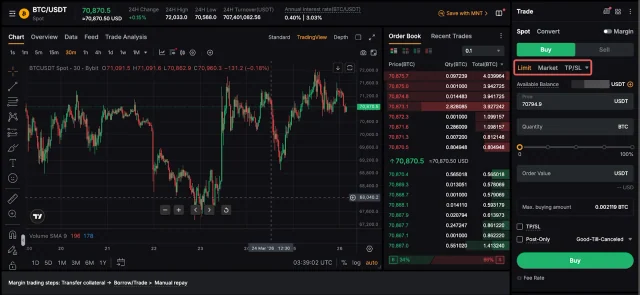 20% trading fee discount
Bybit
A derivatives-focused global exchange with a mature web and mobile trading interface. Margin Town covers signup, KYC, fees and the core trading workflow.
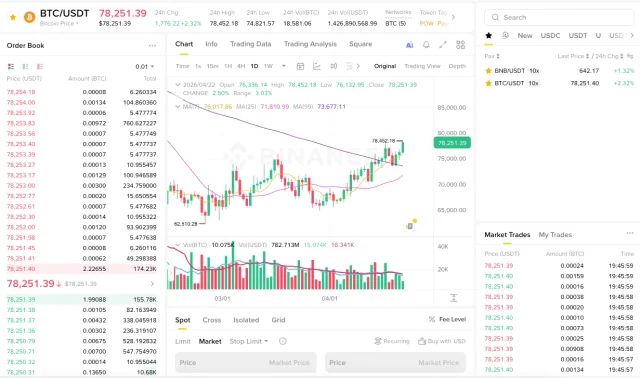 20% trading fee discount
Binance
A large global exchange with broad spot and derivatives markets. Use the guide to move from signup and identity verification to fee checks and trading.
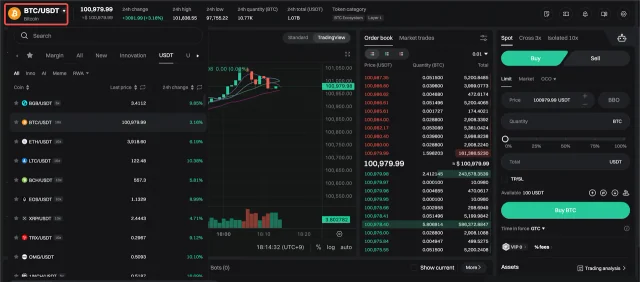 20% fee discount
Bitget
A global exchange known for derivatives and copy-trading features. Margin Town focuses on signup, KYC, fee benefits and practical account setup.
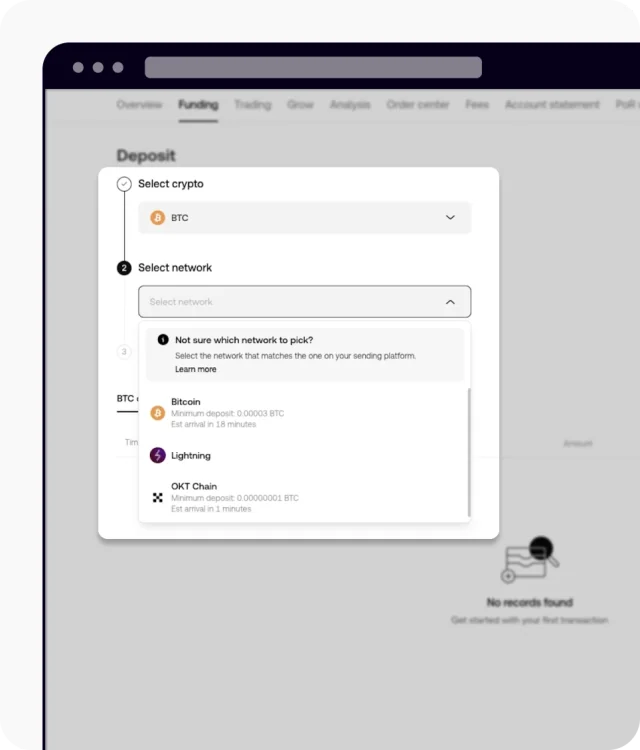 20% fee discount
OKX
A global exchange with spot, perpetuals and a broad app ecosystem. Margin Town explains signup, verification, fees and the basic trading flow.
GET STARTED
New to exchanges? Start here
The exact interface changes over time, but the practical sequence is usually the same.
STEP 01
Compare exchanges
Check fees, products and the features you actually need.
STEP 02
Open the MTOWN link
Confirm the referral relationship before completing registration.
STEP 03
Complete KYC
Prepare an accepted ID and finish face verification if requested.
STEP 04
Deposit carefully
Match the asset, network and destination address.
STEP 05
Learn the order flow
Understand market/limit orders, fees and futures risk.
STEP 06
Withdraw with a final check
Re-check the address, network and memo/tag requirements.